
No Change Reasons are the options available when a user resolves an Item that didn't result in a measurable Impact. Each Template can be configured to include all or only some of your organization's No Change Reasons.
Who can edit a No Change Reason?
Anyone with the Quality Admin permission can edit a No Change Reason.
Creating and deleting No Change Reasons can only be done by KaiNexus staff. Contact your Customer Success Manager for help with either.
Edit a No Change Reason
To edit a No Change Reason:
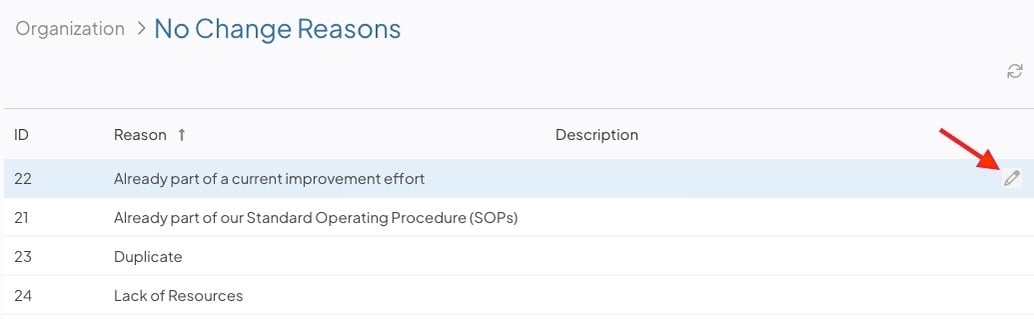
- Navigate to the No Change Reasons administration page.
- Hover over the No Change Reason you want to update, and select the pencil icon that appears to its right.
In the Edit No Change Reason window:
- Name (required): The name used to identify this No Change Reason. Each Name must be unique.
- Description: Optional additional context for this No Change Reason. This text is displayed on hover.
Select Save when you're finished. You may need to log out and back in to see your changes take effect throughout the rest of the system.