
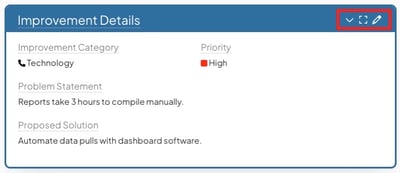
By default, most icons on Card and Panel headers are hidden until you hover over the header. This keeps the interface clean, but it can make actions harder to discover, especially for new users.
You can enable a setting to always display these icons, so users do not need to hover to access them.
This system-wide setting applies to:
- All Card headers on Boards
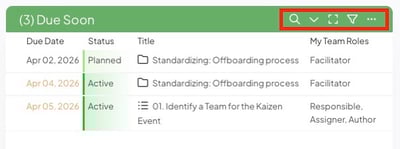
- All Panel headers in Item Work Panels
Who can update this setting?
Users with the System Admin permission can access the General Administration page and update the Always Show Header Icons setting.
Turn on or off Always Show Header Icons
To update this setting:
- Navigate to the General Administration page.
- Locate the Always Show Header Icons checkbox.

- Select the checkbox to always display header icons, or clear it to require hovering to reveal them.
- Click Save to apply your changes.